Quick Start Guide
Unspool Studio turns podcast episodes into shareable video clips in minutes. Automatic AI transcription, speaker identification, and AI-suggested clips mean you never have to scrub through an episode or learn a waveform editor. Search for any podcast, add an episode to a canvas, pick the clips the AI finds, and export — all from your browser.
How do I get started with Unspool Studio?
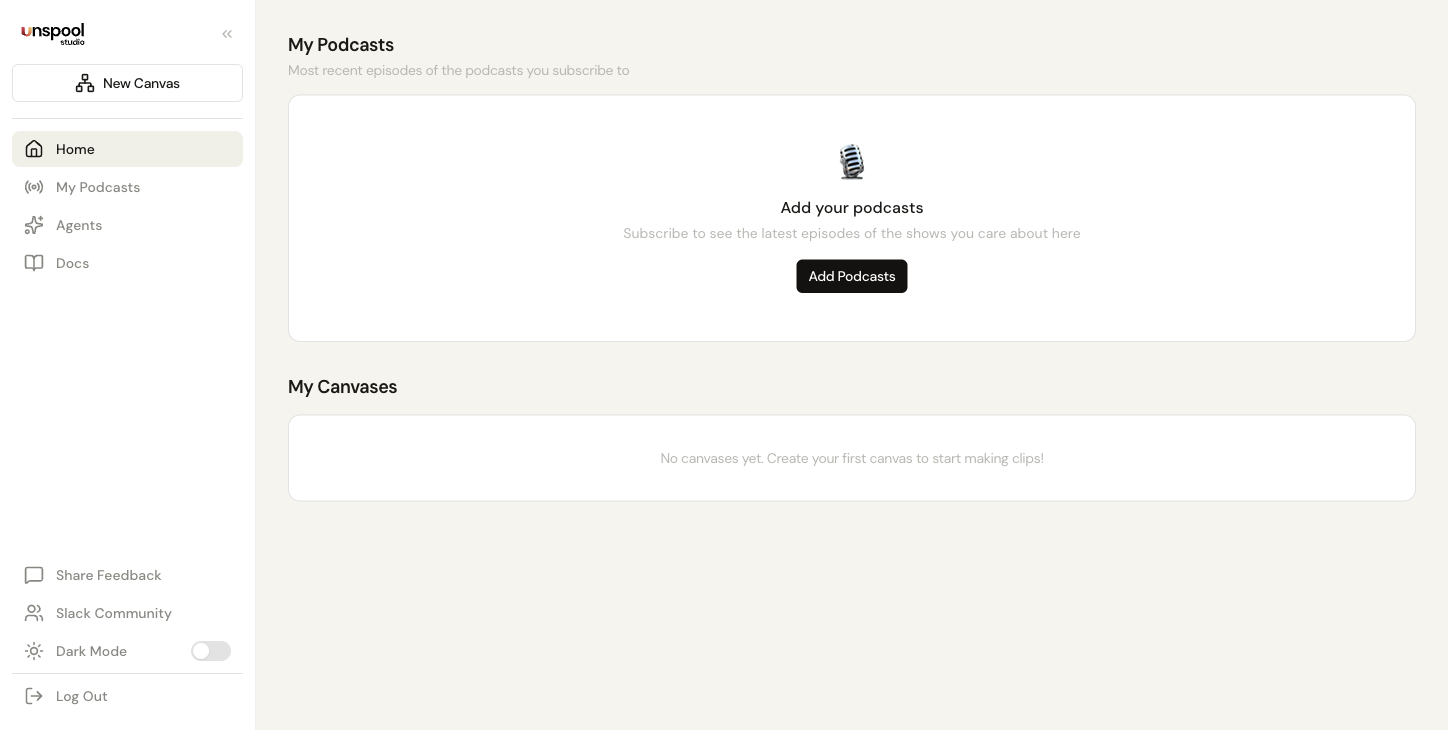
Visit Unspool Studio and create an account or log in. You land on your dashboard — your home base for managing canvases, subscribed podcasts, and Clip Suggestions. The collapsible sidebar on the left gives you quick access to everything.
How do I find and subscribe to podcasts?
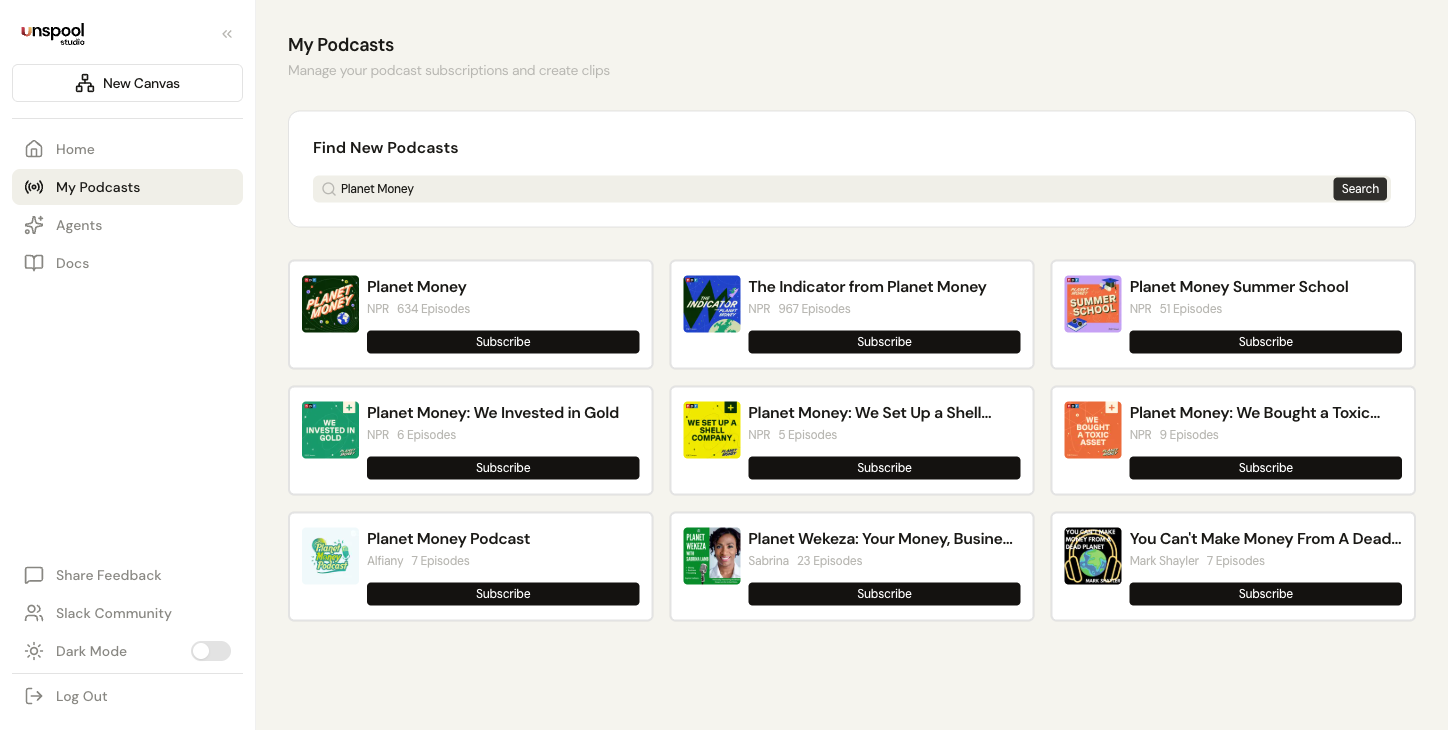
Open My Podcasts from the sidebar to search the iTunes directory — virtually every podcast is available. Subscribe to shows you work with regularly so their episodes are always one click away. You can also enable auto-transcribe on any subscription — new episodes get transcribed automatically when they publish, so clips are waiting for you.
What is a canvas?
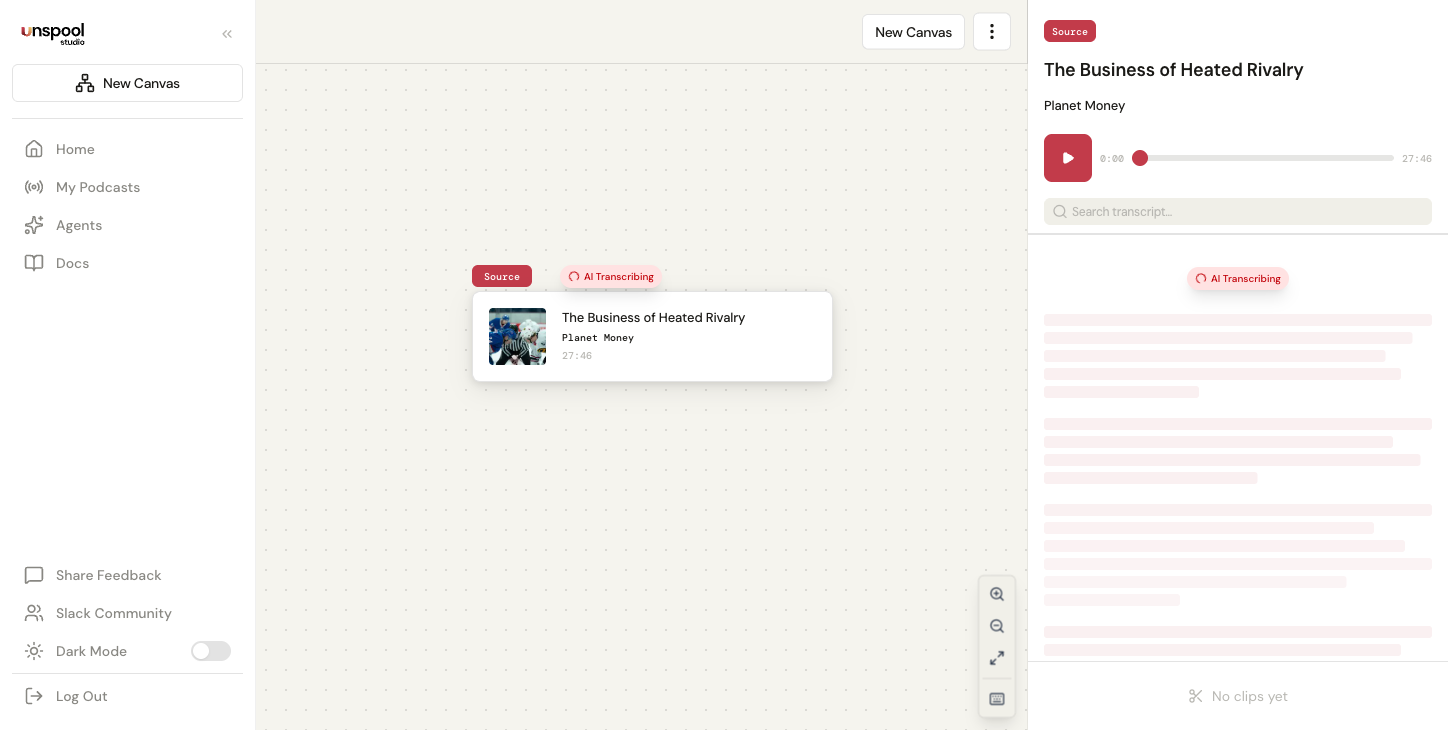
A canvas is your visual workspace for creating and organizing podcast clips. Think of it as a project board for one episode's worth of content. Click New Canvas from the sidebar or top navigation to create a fresh workspace, then add an episode source — transcription starts automatically and you can start building clips as soon as it finishes. Every change saves automatically.
How long does transcription take?
Short episodes often transcribe in under a minute. Longer episodes may take a few minutes, and long-form content (2+ hours) processes in the background using a webhook-based pipeline so you don't need to keep the tab open. You'll see a live progress indicator, and the AI starts suggesting clips as soon as transcription completes.
After transcription, speaker identification runs automatically — the AI uses podcast metadata (host names, guest tags, episode descriptions) to label who's speaking throughout the transcript.
What are AI-suggested clips?
After transcription, the AI analyzes the entire episode and suggests the clips most worth sharing — standout quotes, key insights, compelling stories, and moments that work as standalone content. Each suggestion includes a title, content type label (Quote, Insight, Story, Debate, Funny), and a shareability score. Instead of listening through the whole episode, you get a curated shortlist in seconds.
How do I export my clips?
Pick the AI-suggested clips you want (or select your own segments from the transcript), then export as video with animated subtitles or download the transcript as text. Choose the right aspect ratio for your platform: 9:16 for Reels/TikTok/Shorts, 16:9 for YouTube/LinkedIn, 1:1 for X. Customize your look with 16 color palettes and 9 font presets. Most users have shareable clips ready within minutes of hitting Transcribe.
You can also export transcripts in five formats — plain text, Markdown, HTML, SRT subtitles, or WebVTT — for show notes, blog posts, or accessibility.
How do I navigate Unspool Studio?
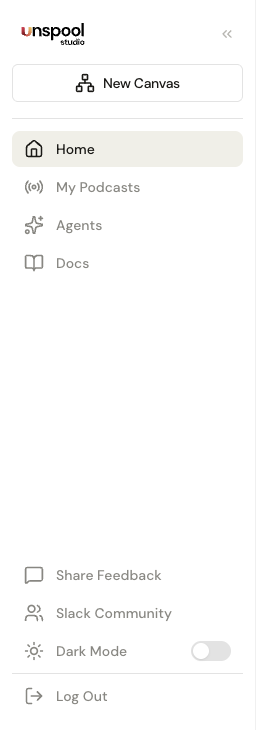
The app uses a collapsible sidebar to access Dashboard, My Podcasts, and Clip Suggestions. Click the collapse button to toggle between full labels and icon-only mode — your preference saves automatically. On mobile, tap the hamburger menu to open the navigation drawer. Canvas pages have breadcrumb navigation at the top so you always know which project you're in. Press ? on any canvas to see all keyboard shortcuts.
What's the fastest way to create a podcast clip?
Use Clip Suggestions. Subscribe to a podcast and enable Clip Suggestions — it automatically transcribes new episodes, identifies speakers, and suggests clips. No manual steps at all. Clips are ready to review whenever you open the Clip Suggestions page. For a hands-on walkthrough, see Create Your First Clip.
Frequently Asked Questions
How long does transcription take in Unspool Studio?
Short episodes often transcribe in under a minute. Longer episodes may take a few minutes, and long-form content (2+ hours) processes reliably in the background — you can navigate away and come back. Once complete, AI clip suggestions and speaker labels appear so you can start picking clips right away.
Do I need audio editing experience to create podcast clips?
No audio editing experience required. The AI handles transcription, speaker identification, clip selection, and subtitle generation automatically. You pick the clips you like and export. If you want to fine-tune timing, drag the boundary handles in the transcript — but it's completely optional.
Can Unspool Studio automatically clip new episodes for me?
Yes. Clip Suggestions monitors your subscribed podcasts and automatically generates clips when new episodes drop. Enable Clip Suggestions on any podcast, and clips are ready for review when episodes publish.
Next: Create Your First Clip — A detailed walkthrough from episode to export.